Edit photos, manage PDFs, lay out print pages, edit video and draw logos: five apps in one suite. No cloud, no account.
This whole trailer was edited in Film Studio: Morph, green screen, animated text and snow.
Every app opens from the same start screen. Buy them one at a time or all together.
Edit photos with layers, masks, Curves and AI
Details ↓
Merge, split and arrange PDFs, Thai–English OCR and signatures
Details ↓
Lay out brochures and multi-page print documents
Details ↓
Edit video on a timeline with transitions and effects
Details ↓
Draw logos and icons, then export SVG
Details ↓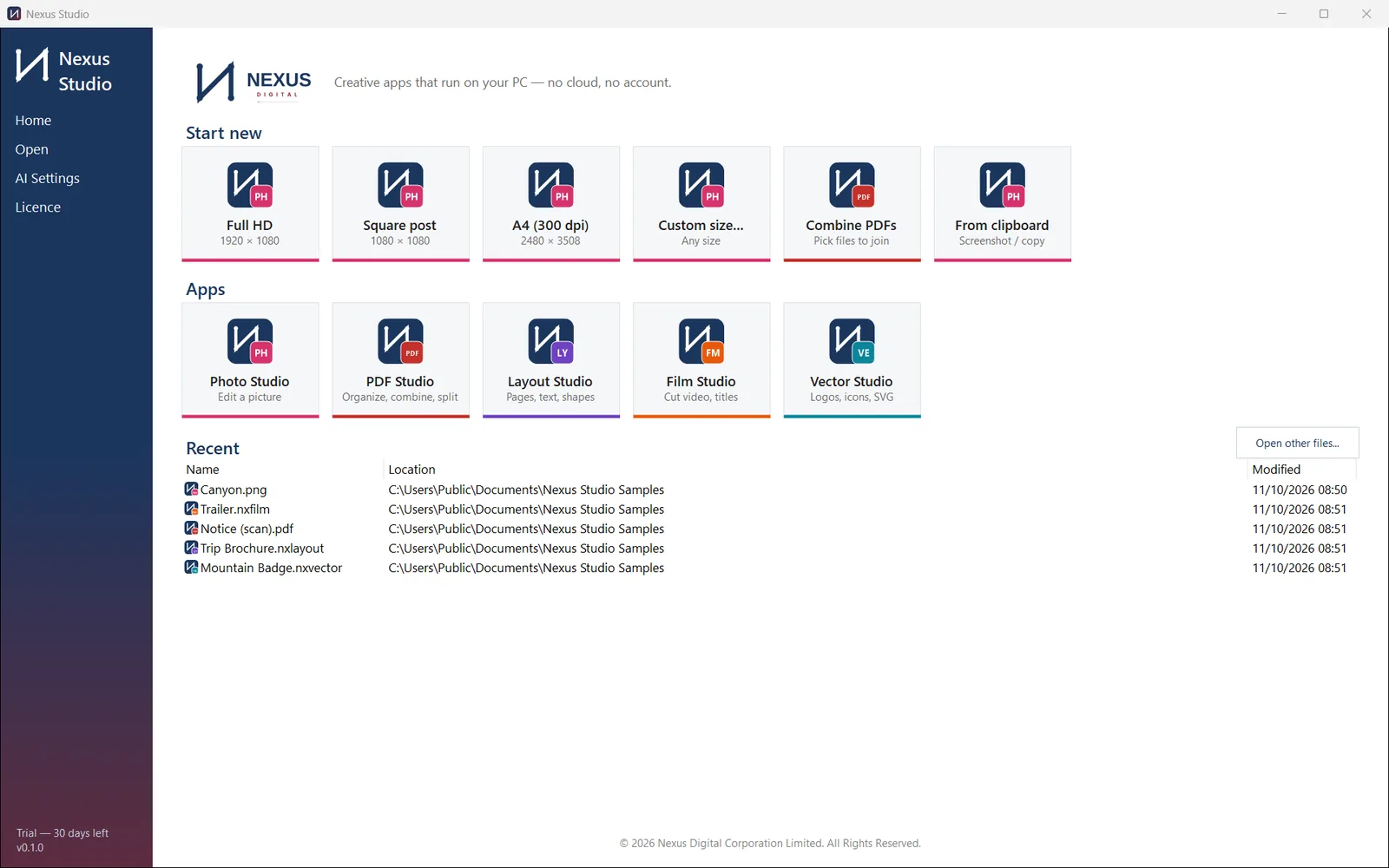
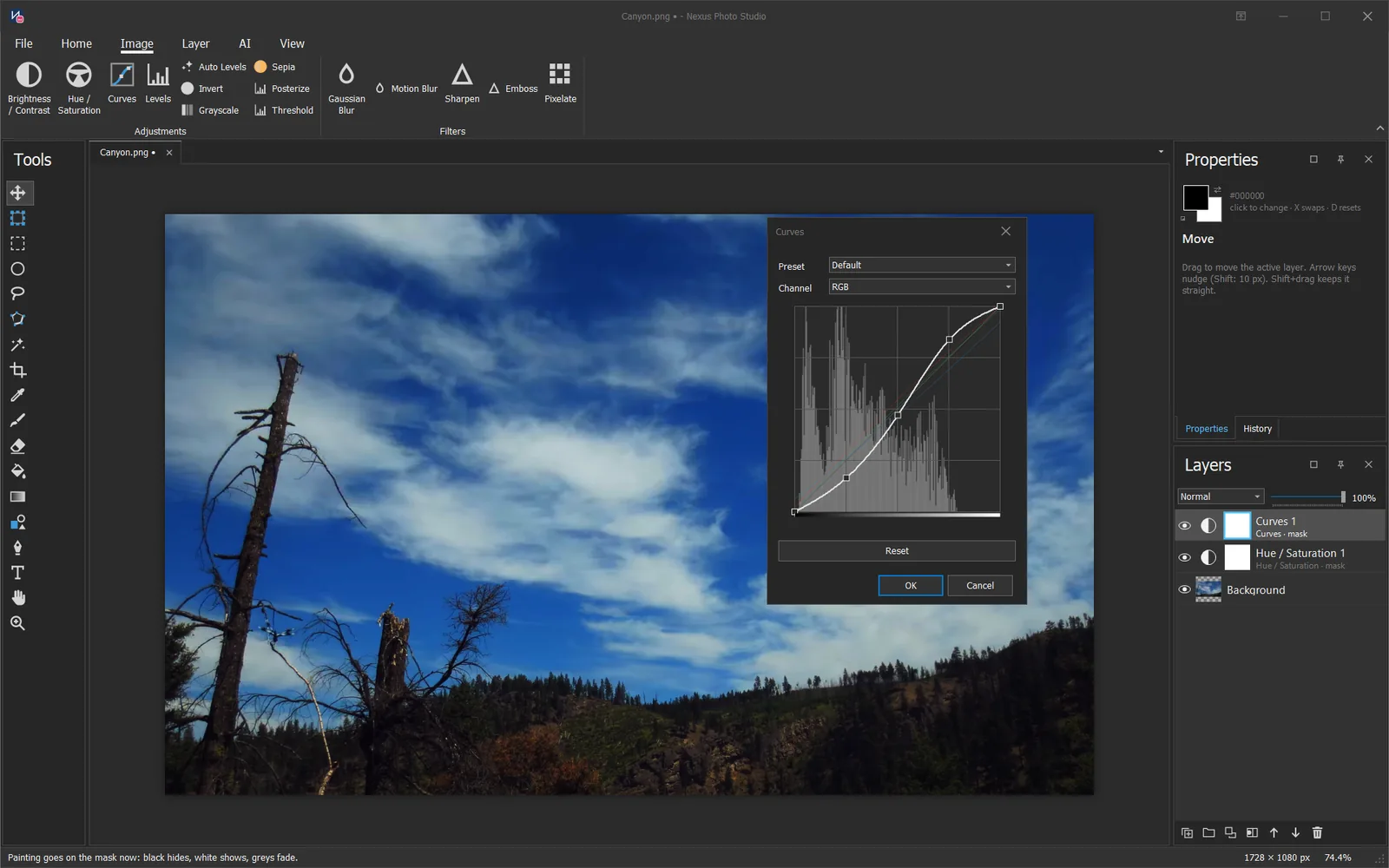 Photo Studio
Colour adjustments sit on adjustment layers above the photo, so you can change or switch them off later.

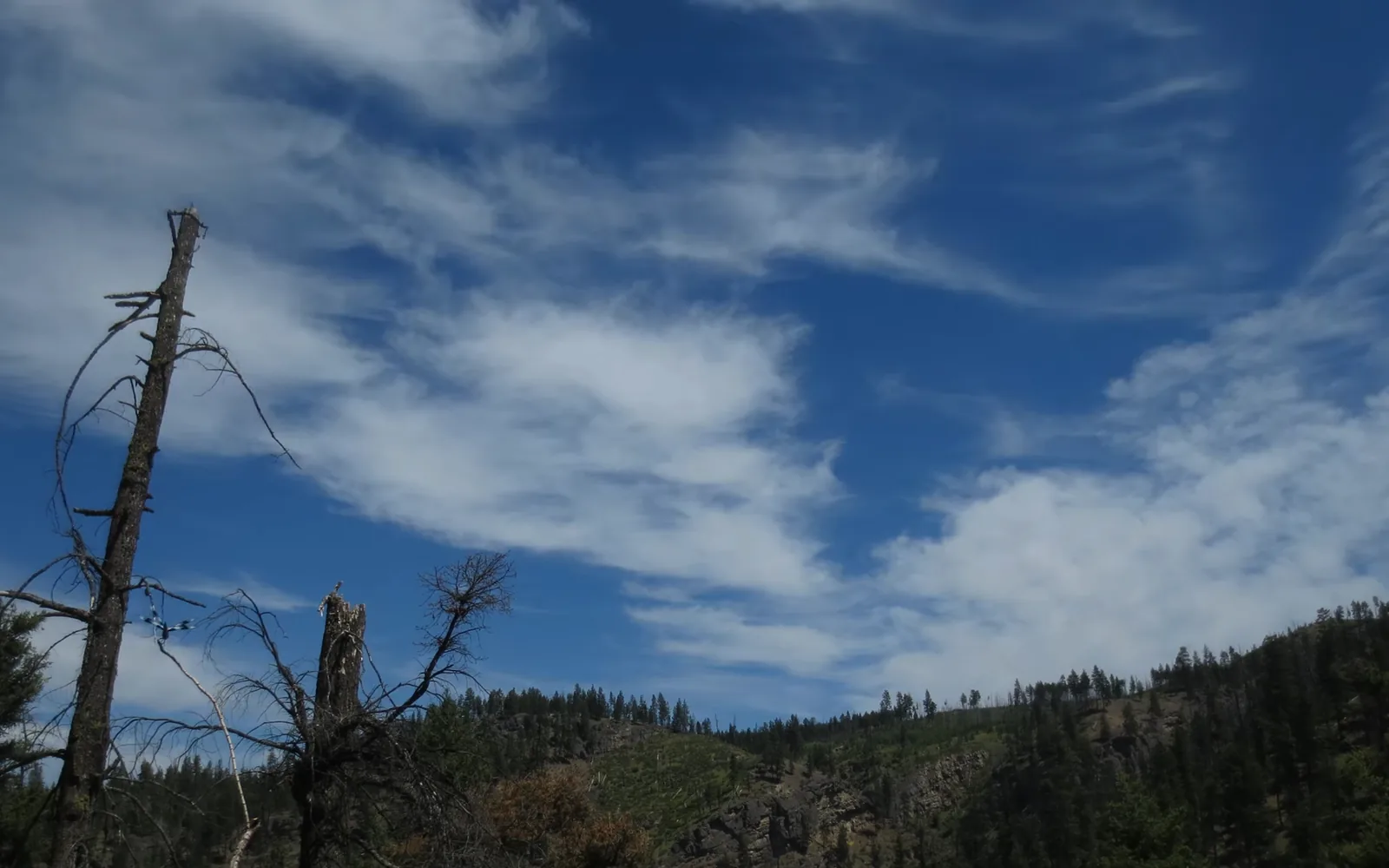 Before
After
Before
After
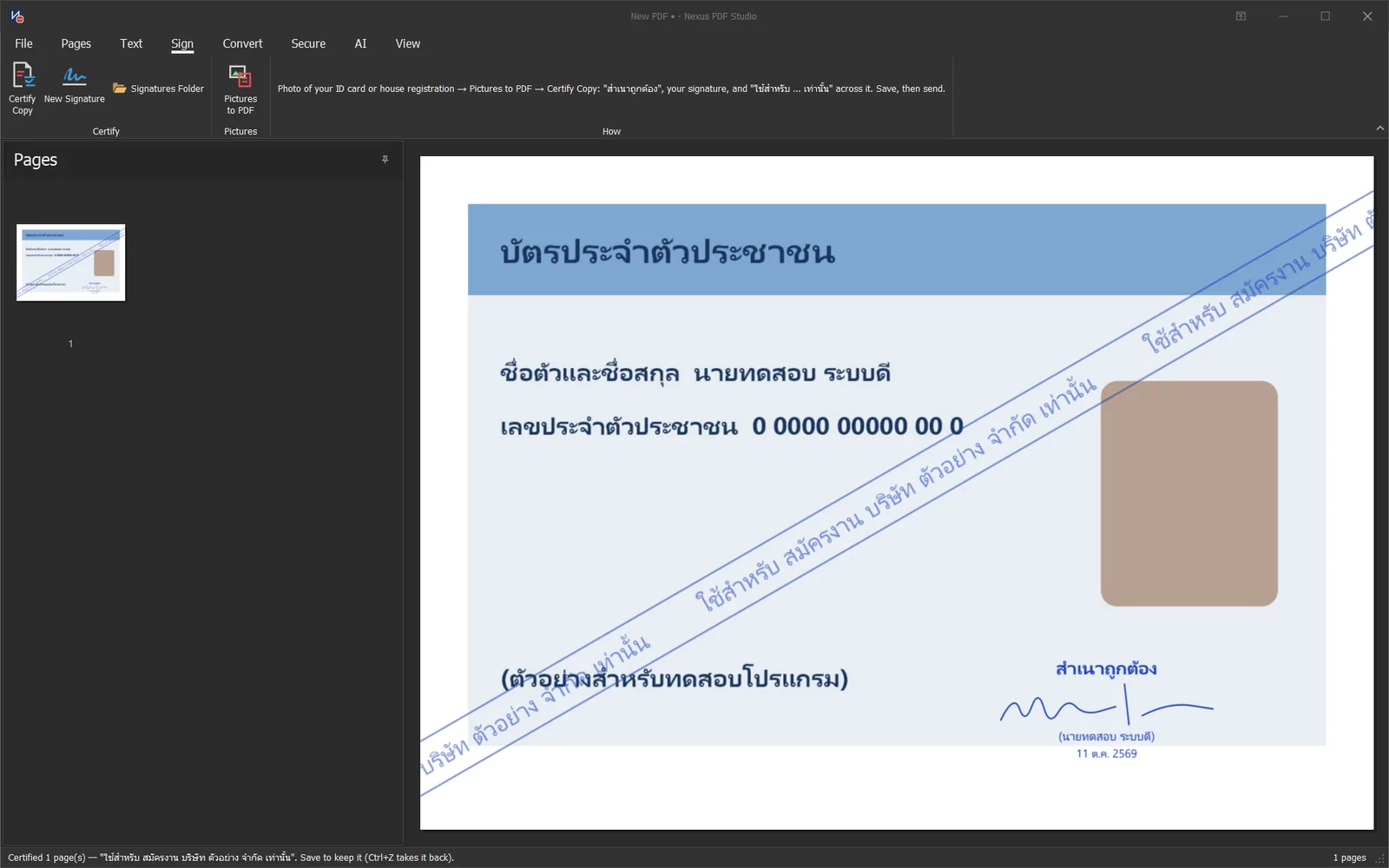
Certifying a copy of an ID card. All data in the image is made up.
PDF StudioCombine files into one, pull out just the pages you need, then sign and certify copies, all in one app.
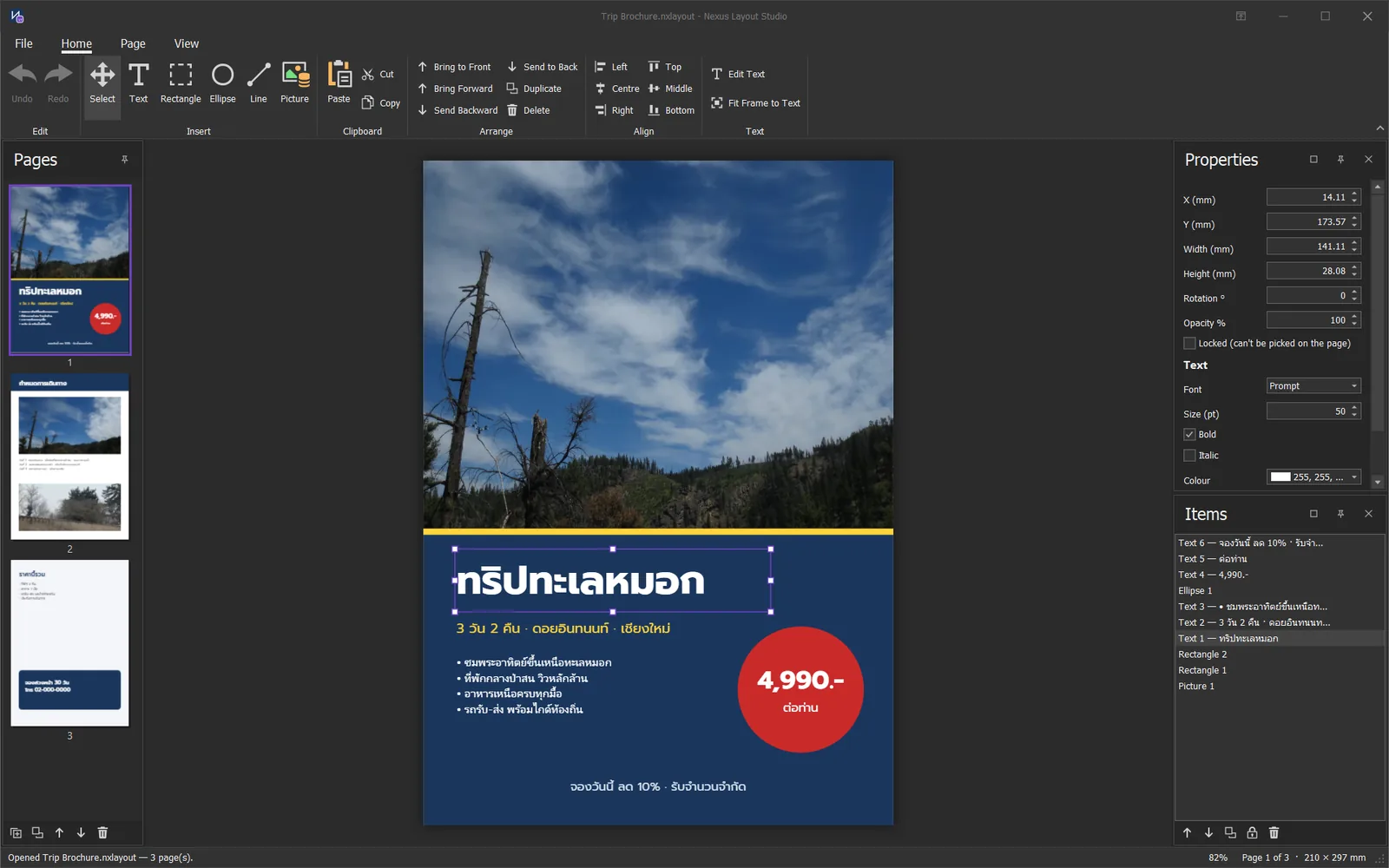 Layout Studio
Place text, shapes and pictures on the page, with as many pages as you need in one file.
Recorded from the real Film Studio window: adding a Morph transition, then playing through typewriter text.
Film StudioAdd transitions, animated text and effects in a few clicks. The trailer at the top of this page was made in Film Studio.
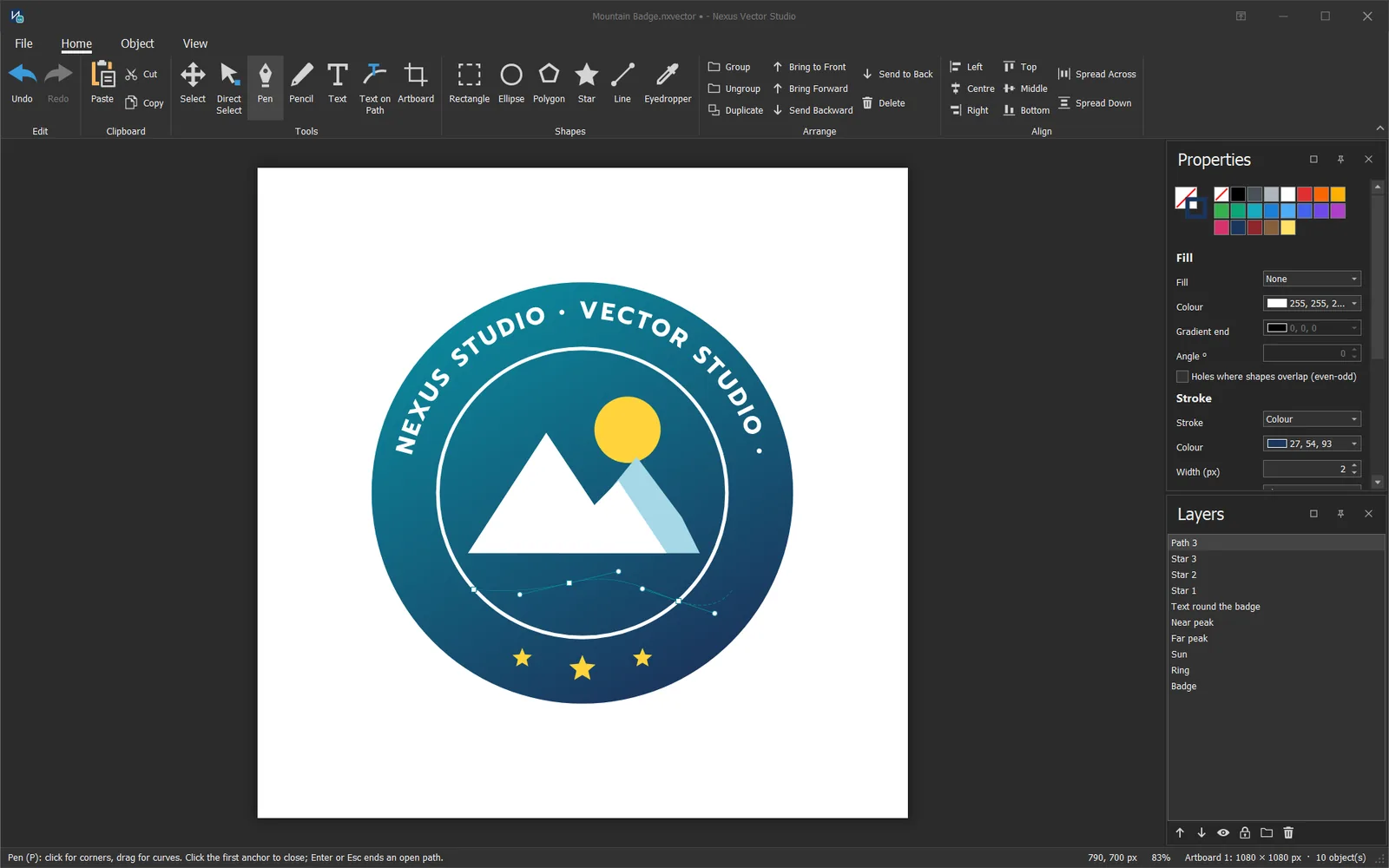 Vector Studio
Draw shapes and paths with the Pen tool, then export SVG for the web or for print.
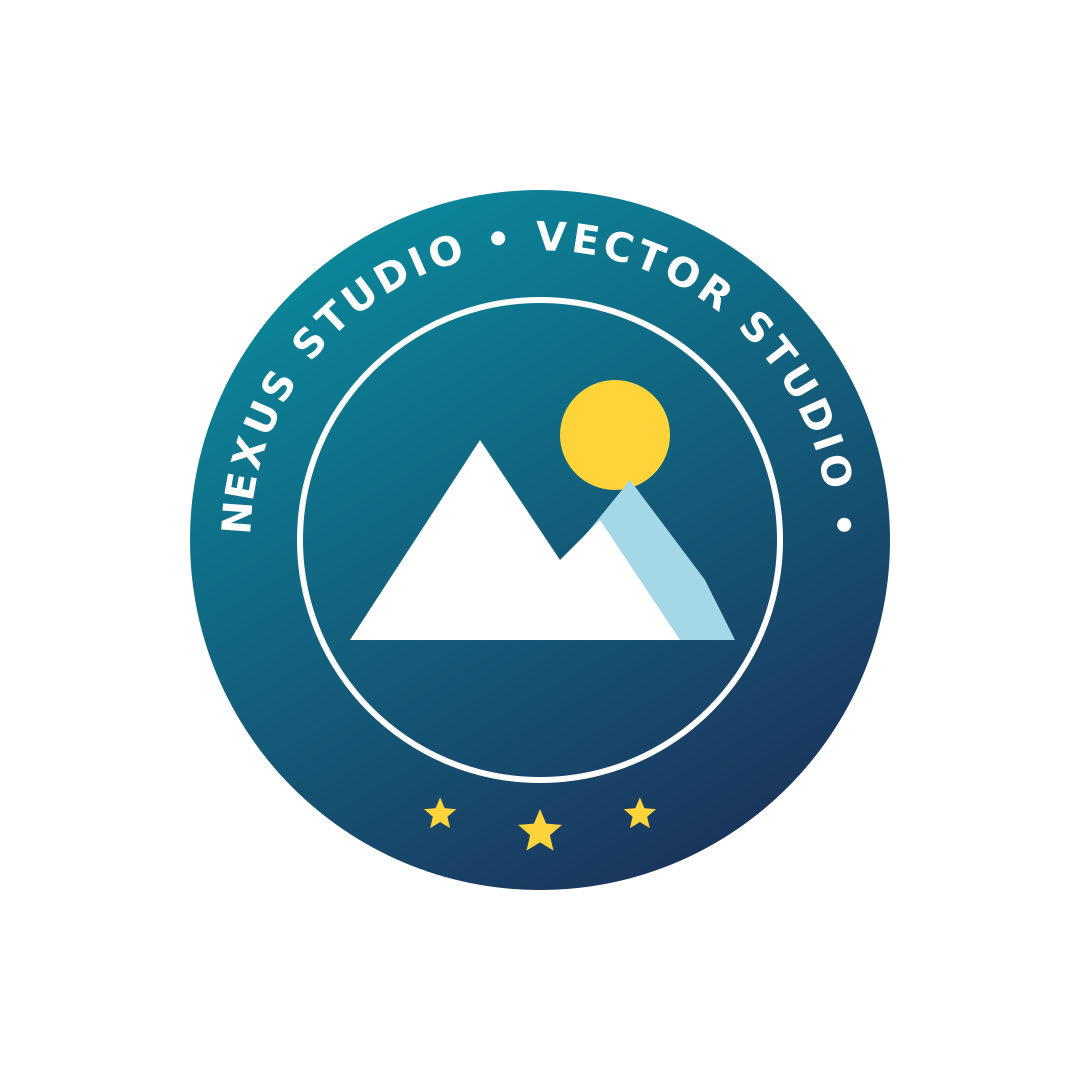
A real file exported from Vector Studio: the logo in the screenshot is an SVG under 3 KB that stays sharp at any size.
No cloud. The apps and your files live on your own computer.
Install and start working. No sign-up, no login.
Every feature included. After the trial you can still open your files.
Pick single apps or the full five-app suite.
Every creative task on Windows, with no account and a free 30-day trial.
Photo StudioEdit photos with layers, masks, Curves, the Pen tool and filters, plus AI editing by text
Film StudioEdit video on a multi-track timeline with transitions, LUTs and green screen
Layout StudioLay out brochures and multi-page print documents
Vector StudioDraw logos and icons, then export SVG
PDF StudioMerge, split and arrange PDFs, Thai–English OCR and certified signatures
No account needed. Each licence is unlocked with a code tied to your PC.
Buy single apps or the full five-app suite. Ask us for prices on LINE or by email.
Photo Studio covers the core photo-editing tools: layers, masks, brushes, Curves, Hue/Saturation, the Pen tool and filters, plus Edit with AI to describe changes in words.
There is a free 30-day trial with every feature. After the trial you can still open your files, and you buy only the apps you need or the full suite (download coming soon).
No. Install it and work on your own PC; your files stay on your computer.
Yes. Film Studio has a multi-track timeline, 16 transitions including Morph, animated text, keyframes, LUTs, green screen, reverse playback and speed control.
Windows 10 and 11, 64-bit.
Yes. Send the new PC's machine code to LINE @nexusstudio and we issue a new unlock code.
The apps are in English with a Thai user guide, and PDF Studio reads Thai and English text with OCR.
Our team is happy to give you a demo and answer questions, for personal use or for your organization.